MiMealMoney
Online Payments & Account Management
Parent-facing payment portal for meal account deposits, auto-replenishment, and transaction history. Less cash handling, fewer lunch-debt headaches, happier parents.
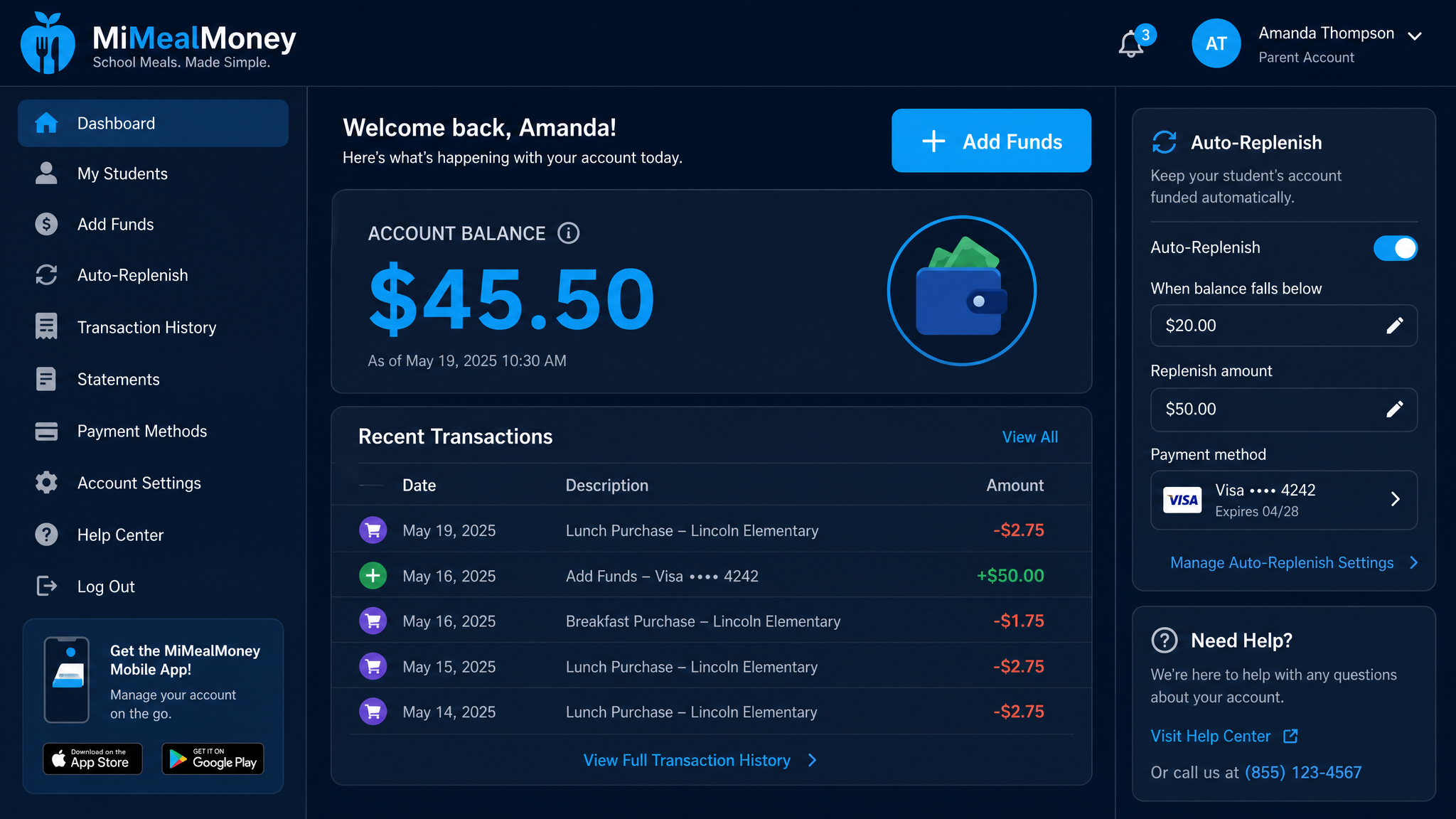
MiMealMoney Dashboard — UI mockup
Getting Started
From signup to fully funded in under 5 minutes.
Parent Creates Account
Parents visit the MiMealMoney portal and create an account using their email and their child's student ID.
Link Students
Add one or more students to the account. The system verifies student IDs against the district's SIS records.
Add Funds
Deposit money via credit/debit card. Funds appear on the student's MiMeals account instantly.
Set Auto-Replenish
Optional: set a balance threshold. When the account drops below it, MiMealMoney adds funds automatically.
Track Spending
View transaction history, meal purchases, and account balances anytime from any device.
Key Features
Why parents love MiMealMoney.
Secure Online Payments
PCI-compliant card processing. No cash needed. Parents can pay from their phone during soccer practice.
Auto-Replenish
Set it and forget it. The account refills when the balance gets low. No more "Mom, I need lunch money" texts.
Mobile-First Design
Fully responsive — works on phones, tablets, and desktops. No app download required.
Low-Balance Alerts
Email or SMS notifications when a student's account is getting low. Customizable threshold.
Transaction History
See every meal purchase, deposit, and refund. Exportable for tax purposes or budgeting.
Multi-Student Support
One parent account can manage multiple children across different schools in the district.