MiMeals
Cafeteria POS Terminal
Touch-optimized point-of-sale for school lunch lines. Dark theme, PIN-based student lookup, neutral compliance indicators, offline-capable. Built for speed — because 300 kids need lunch in 20 minutes.
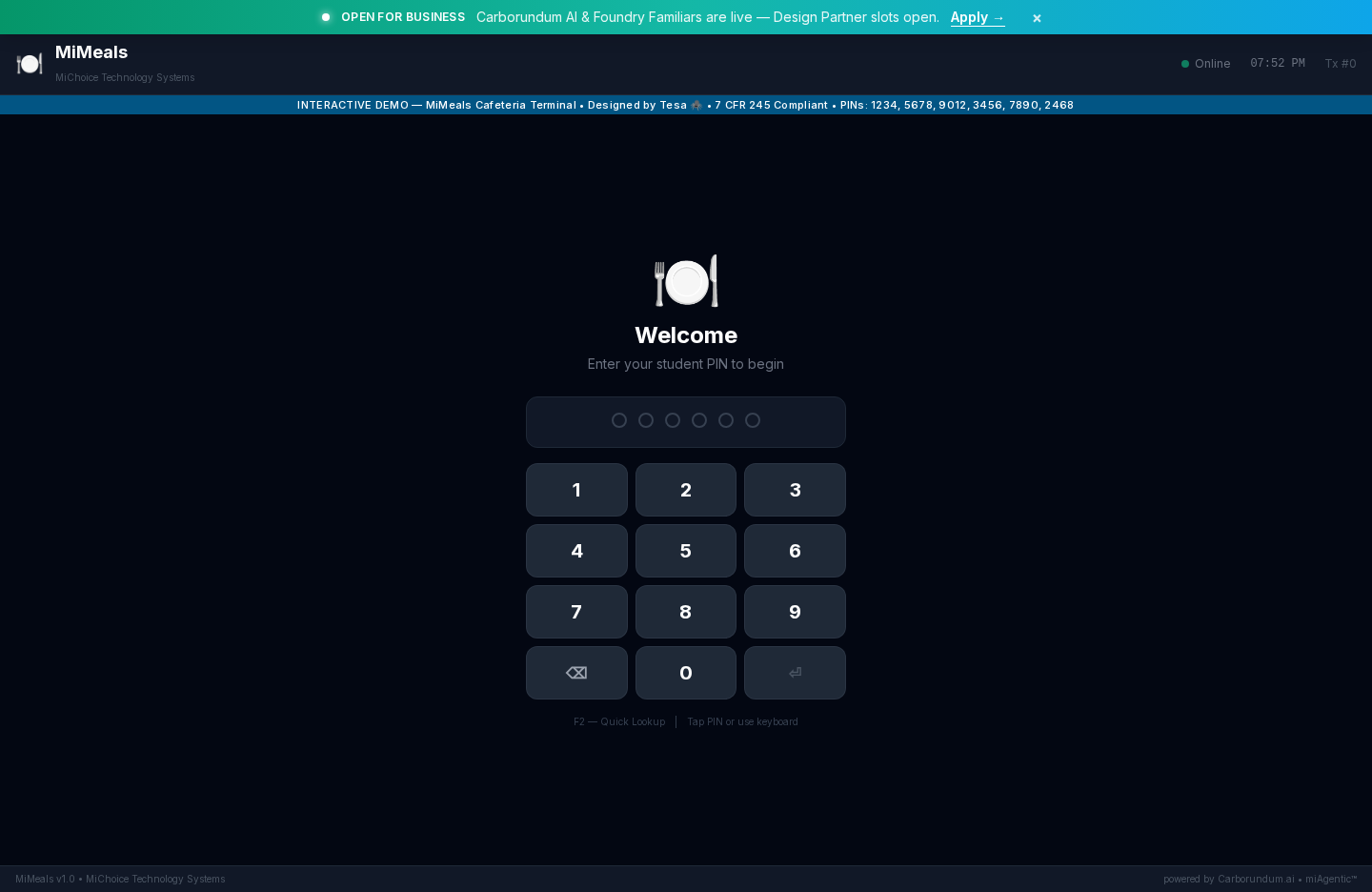
MiMeals POS Terminal — Live wireframe screenshot
Getting Started
From zero to serving students in 5 simple steps.
Get Your PIN
Your site manager provides a 4-digit cashier PIN. This is your login for every shift.
Launch the Terminal
Open the MiMeals terminal on any touchscreen, tablet, or browser. No software installation needed.
Look Up Students
Students punch their PIN or scan their badge. Their name, photo, and account info appear instantly.
Tap the Meal
Select items from the menu grid. The system calculates pricing automatically based on the student's meal plan.
Confirm & Serve
One tap to confirm. The balance updates, the receipt prints, and the student moves through the line.
Key Features
What makes MiMeals different from the old lunch register.
Dark Theme for Cafeteria Glare
Designed for bright, noisy cafeterias — high contrast dark interface reduces eye strain during long shifts.
Offline Mode
Wi-Fi drops? MiMeals keeps working. Transactions sync when the connection returns.
7 CFR 245 Compliance
Student eligibility (Free/Reduced/Paid) is NEVER shown as text. Neutral dot indicators protect student privacy.
Allergen Warnings
Allergen alerts pop up automatically when a flagged item is selected for a student with known allergies.
Real-Time Counts
Meal counts update live — see exactly how many meals served by type, by period, by campus.
End-of-Shift Reports
Close out your shift with one tap. Totals, discrepancies, and audit trail — all in one summary.