MiTasks
Inventory Management
Warehouse and kitchen inventory, USDA commodity tracking, vendor ordering, and waste monitoring. Know exactly what you have before you order more.
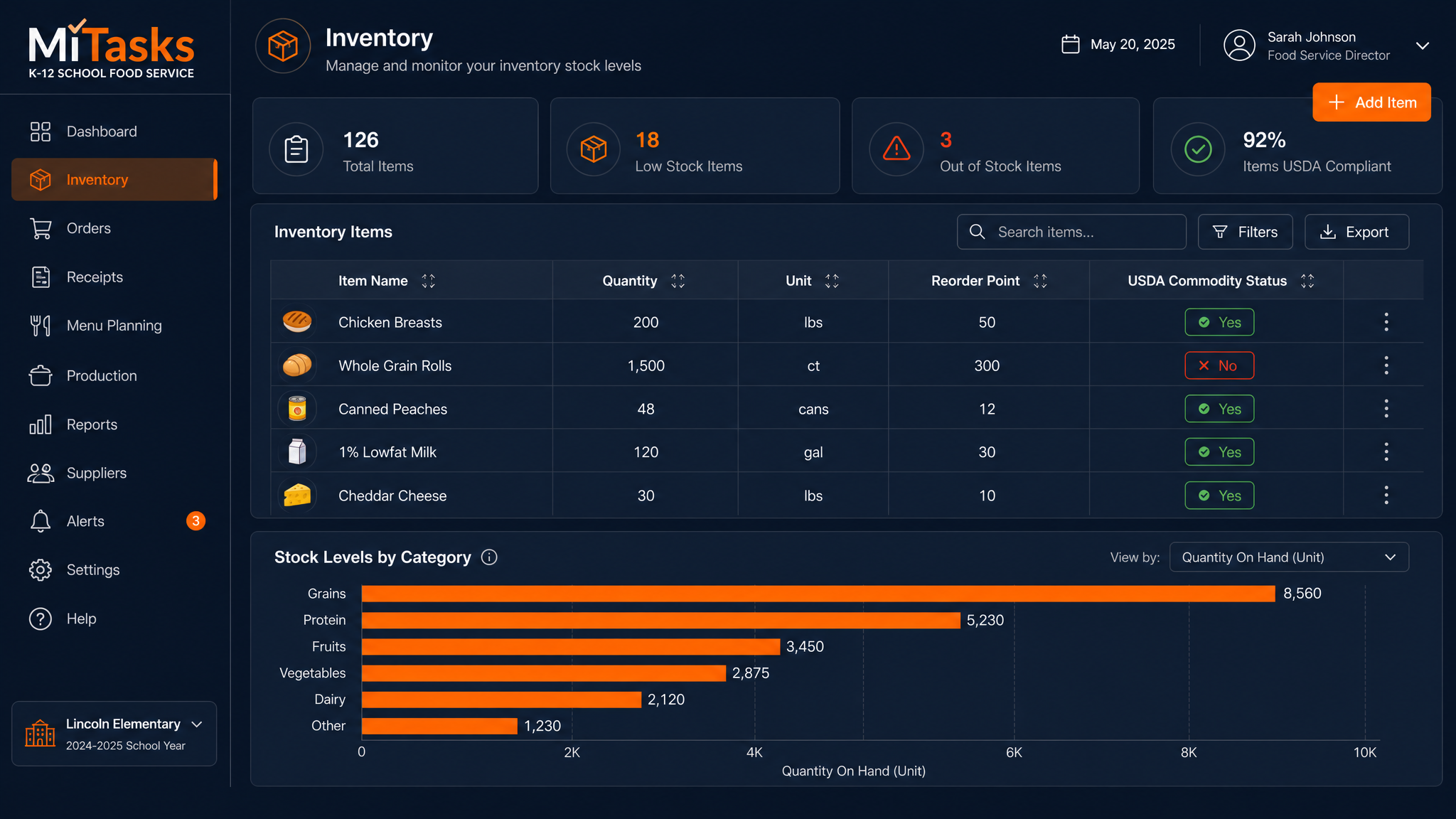
MiTasks Inventory Dashboard — UI mockup
Getting Started
From empty shelves to tracked inventory in 5 steps.
Set Up Locations
Define your warehouse(s), kitchen storage areas, and satellite campus receiving points.
Import Item Catalog
Upload your product catalog — items, vendors, pack sizes, unit costs, and USDA commodity codes.
Set Reorder Points
Configure minimum stock levels. When an item drops below threshold, MiTasks flags it for reorder.
Receive & Count
Log incoming shipments, run physical counts, and reconcile discrepancies. All timestamped.
Track USDA Commodities
Separate tracking for government commodities. Report usage against entitlement at year-end.
Key Features
Complete inventory control for school food service.
Multi-Location Tracking
Central warehouse, satellite kitchens, dry storage, freezer — each location has its own inventory.
USDA Commodity Tracking
Track government commodities separately from purchased items. Required for federal audit compliance.
Waste Monitoring
Log food waste by item and reason. Identify patterns and reduce costs.
Vendor Order Management
Generate purchase orders from reorder alerts. Send directly to vendors. Track delivery status.
Mobile Counting
Run physical inventory counts from a phone or tablet. Scan barcodes for speed.
Feeds Into MiMenus & MiCharts
Inventory levels inform production planning. Usage data flows to analytics for cost reporting.